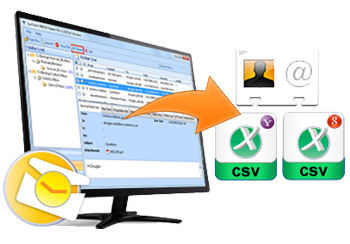
Split MS Outlook Files Tool for Fragment Large PST Files into Smaller PST
Why Split PST Process is Important & Trusted: If you are a regular user of Outlook and you are using it from a long time, then, you must have bulky PST files in your mailbox. These large sized PST files slow down the speed of Outlook. To handle this condition, splitting process is extremely necessary. What makes it so essential can be better understandable if you go through the underwritten facts:
- Speed: If you have multiple large PST files it will slow down Outlook pace then, the process fragment large PST becomes a significant task for Outlook user to improve pace of Outlook.
- Searching: If you have numerous large sized Ms Outlook PST files it will be difficult to searching any located information. On the other hand, searching becomes easier with smaller PST files.
-
Performing operations: if your Outlook have smaller PST files, then you can do the following functions easily:
- Sending emails
- Receiving emails
- Moving email data etc
Download and Try SysTools Split PST Software is Free!
Download Split MS Outlook Files
File Size: 2.2 MB
Software Version: 2.0
OS Requirements: Win 2000/XP/2003/Vista/Windows 7
Split MS Outlook Files Software: From the above mentioned facts, we can conclude that smaller sized PST files are easier to manage as compared to large sized PST files. But do perform this task a trustable Outlook splitter tool is required. You can use SysTools Split PST software using which you can divide heavy PST files into smaller parts within a fraction of time. This tool is helpful in increasing the speed of Outlook after which you can easily perform many operations of Outlook easily and quickly.